

WordPress 7.1.4 Security Release: 18 Vulnerabilities Fixed, Update Now
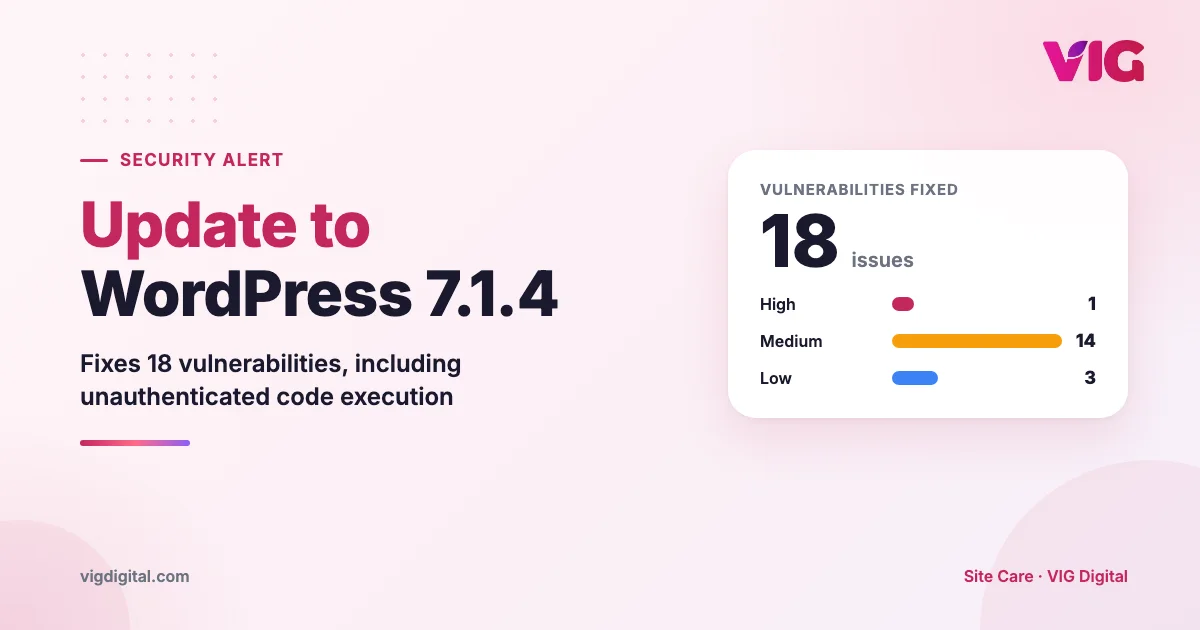
In late October 2026, WordPress released security version 7.1.4, along with patches for older branches. This release fixes 18 vulnerabilities in WordPress core. The most serious one lets attackers run code on your server without logging in.
Every WordPress site from version 4.7 to 7.1.3 is affected. If your site has not updated itself yet, take care of it today.
What does this release fix?
| Severity | Count | Main risk |
|---|---|---|
| High | 1 | Code execution on the server, no login required. An attacker could take over the entire site |
| Medium | 14 | Malicious scripts injected through contributor or author accounts; exposure of configuration details |
| Low | 3 | Denial of service, clickjacking, unauthorized reading and editing of notes |
Most of the Medium-severity issues require a logged-in account, such as a contributor who writes posts. So if several people manage content on your site (staff, outside content agencies), you have even more reason to update early.
The High-severity flaw needs no login, so any site that has not updated can become a target. After a security patch is announced, automated scanners usually start hunting for unpatched sites within a few days.
Which version should your site be on?
WordPress has released patches for older branches too. You do not have to move to 7.1.4. You only need the latest patch for the branch you are on:
| Current version | Update to |
|---|---|
| 7.1.x | 7.1.4 |
| 7.0.x | 7.0.8 |
| 6.9.x | 6.9.11 |
| 6.8.x | 6.8.12 |
| 6.7.x | 6.7.11 |
| 6.6.x | 6.6.11 |
| 6.5.x | 6.5.14 |
| 6.4.x | 6.4.14 |
| 4.7 to 6.3 | The latest patch for that branch (for example 6.3.14, 6.2.15, 5.9.20) |
To check your current version, log in to the admin area and go to Dashboard → Updates. The version number also appears in the bottom-right corner of every admin page.
If your site runs a 6.x branch or older, plan an upgrade to the 7.x branch. Older branches only receive fixes for critical issues, and many new plugins no longer support old versions.
Update safely in 5 steps
- Back up first. Back up both the files and the database, and keep a copy off the website’s server.
- Pick a quiet time. Update in the evening or early morning, so fewer visitors are affected if something goes wrong.
- Update WordPress first, then plugins. Go to Dashboard → Updates and click to update WordPress. Security patches within the same branch rarely break the layout.
- Check the site after updating: the homepage, product or service pages, the contact form (send a test submission), and the cart if you have one.
- Turn on automatic security updates. By default, WordPress installs minor patches such as 7.1.3 → 7.1.4 on its own. If your site did not update itself, this feature may have been disabled by a plugin, the theme or the hosting configuration. Check it.
If your site uses a custom-modified theme or plugin, update a copy (staging) first. Once everything works, update the live site.
Already updated. What else should you do?
Updating WordPress is only part of the job. Most sites get hacked through outdated plugins and themes. In the last week of October 2026 alone, more than 200 new vulnerabilities were disclosed in WordPress plugins and themes, including popular plugins such as Rank Math SEO, Gravity Forms and Kirki.
After updating WordPress, spend 5 more minutes on these:
- Update any plugins and themes with pending updates
- Delete plugins and themes you no longer use (even inactive ones)
- Review admin accounts, and remove accounts belonging to former staff or agencies you no longer work with
Site Care watches your WordPress site every day: uptime checks every 5 minutes, daily plugin vulnerability scans, instant alerts when a plugin is hit by a new vulnerability, and a report every Monday.
Vulnerability data source: Wordfence Intelligence, Copyright © Defiant Inc. Full list, updated daily: sitecare.vigdigital.com/bao-mat. This article only summarizes published information and does not describe how to exploit these flaws. Always back up before updating.